In Part 1, we established our foundation with OS hardening and Active Directory preparation. With our Schema confirmed at 17003, we are ready to execute the installation of Exchange Server 2019 CU13. This version remains a critical standard for organizations requiring a stable, on-premises messaging infrastructure.
1. Executing the Exchange 2019 CU13 Setup
Before running the installer, ensure that the IIS URL Rewrite Module and Visual C++ Redistributable packages are installed. For a production environment, we utilize the command line to maintain full control over the deployment process.
The Installation Command
Mount your CU13 ISO and run the following from an elevated prompt: .\Setup.exe /m:Install /roles:Mailbox /IAcceptExchangeServerLicenseTerms
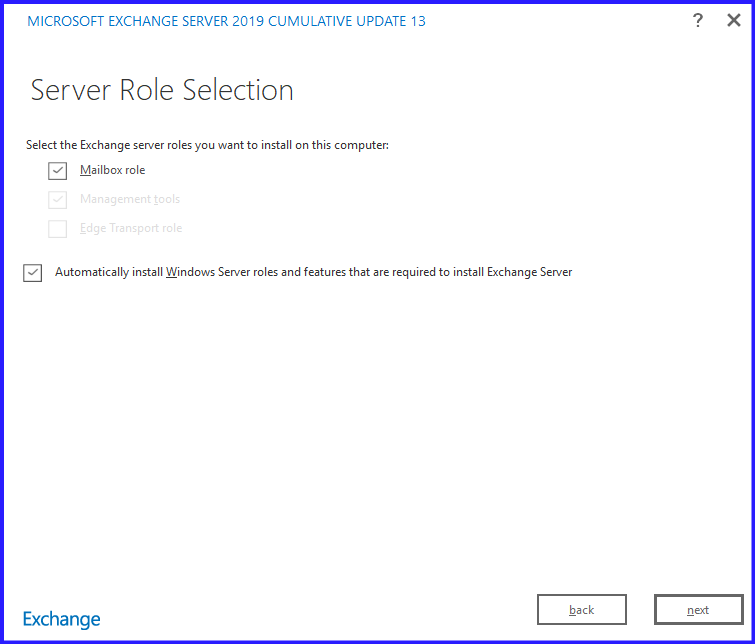
This command installs the Mailbox role, which in Exchange 2019, handles all client connectivity, transport services, and mailbox databases in a single unified role.
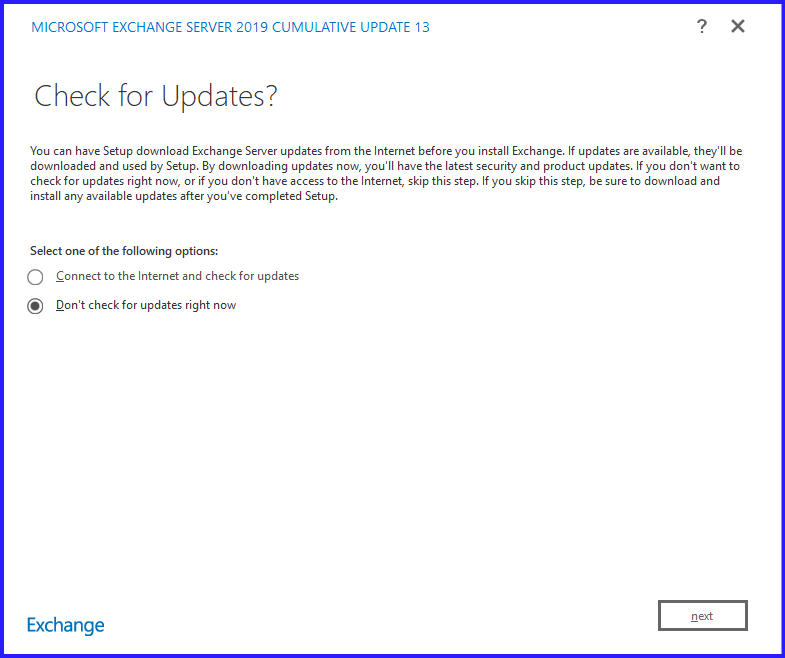
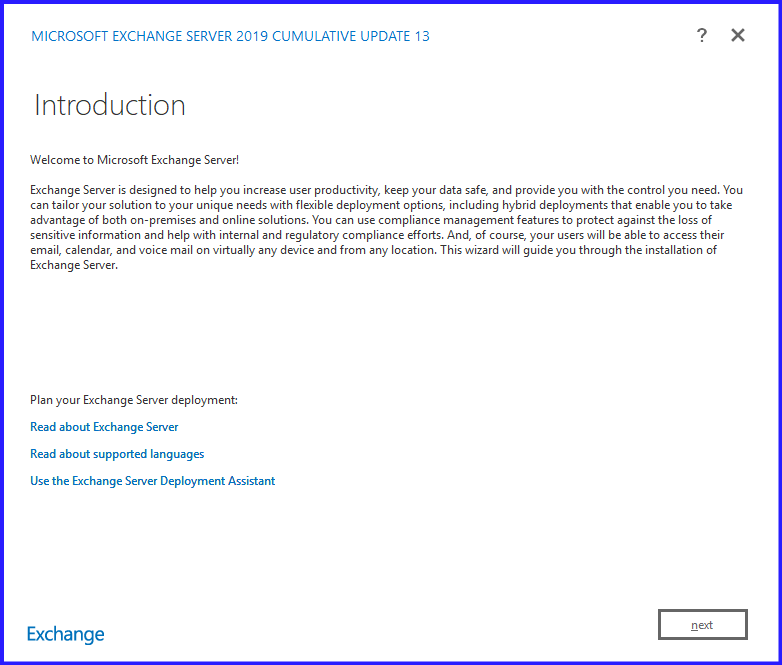
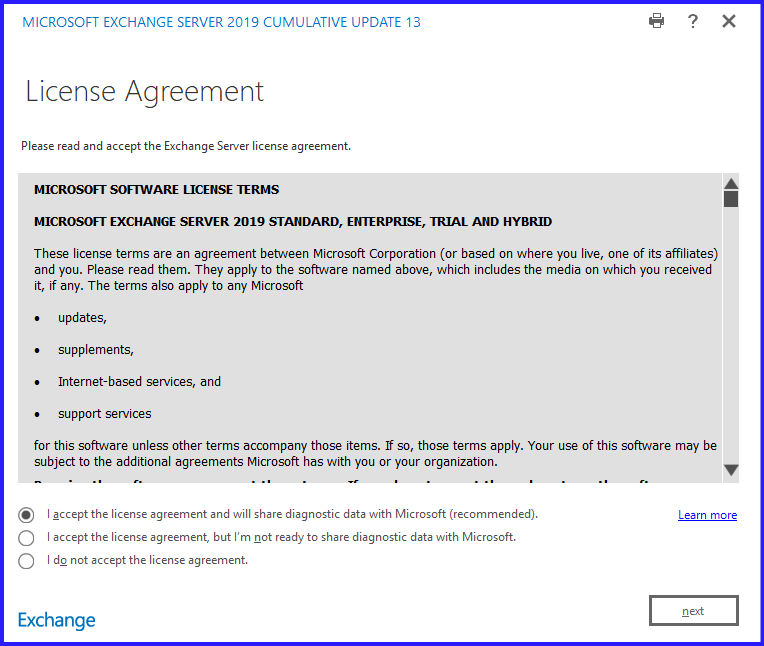
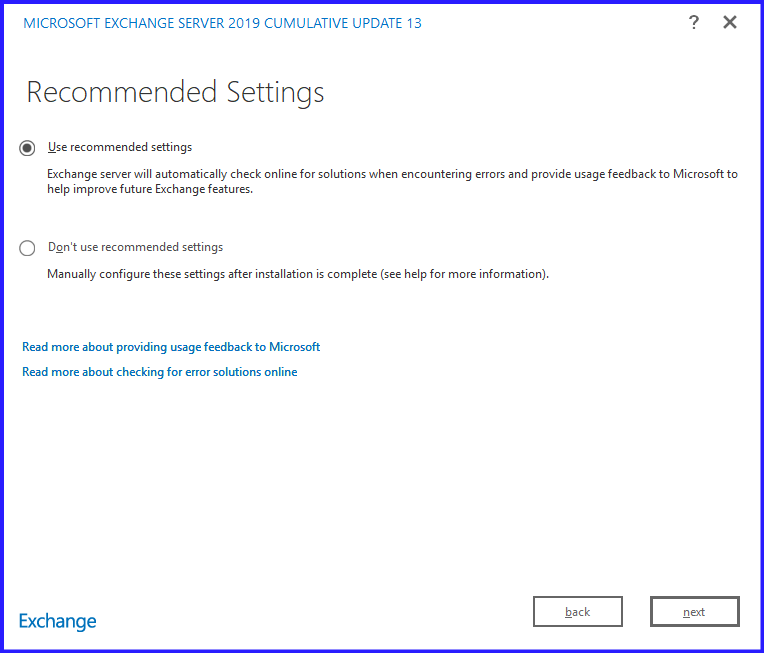
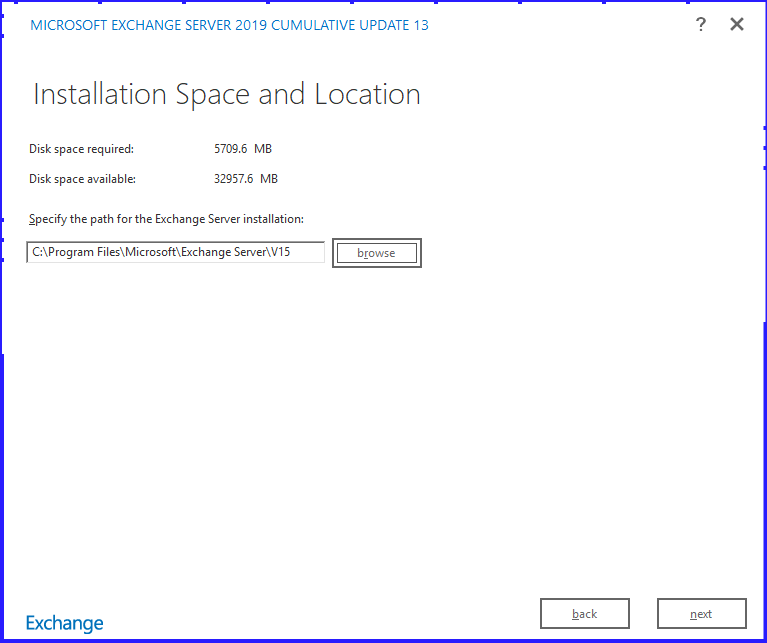
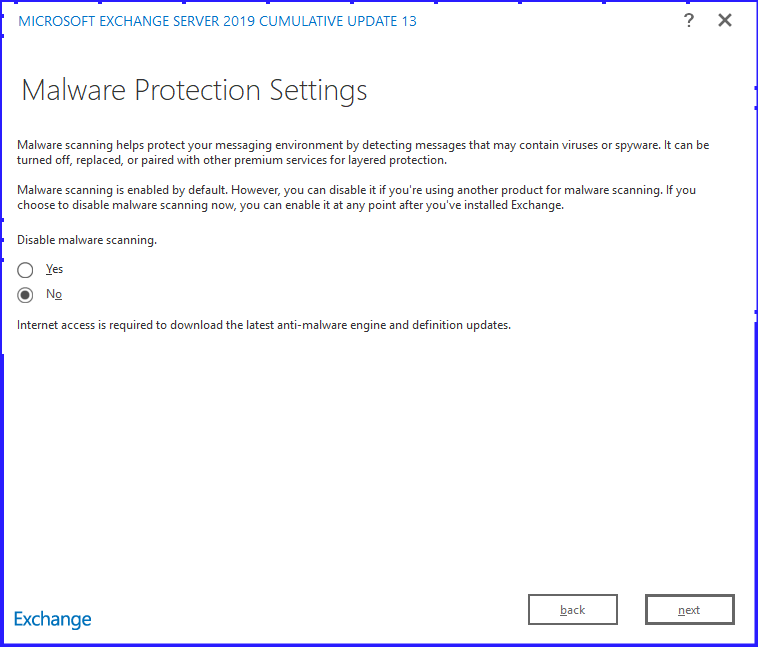
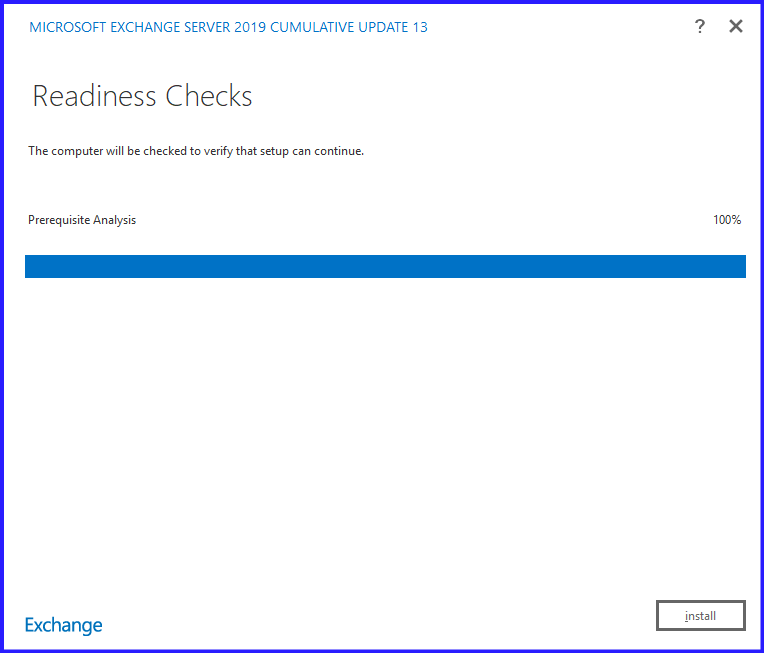
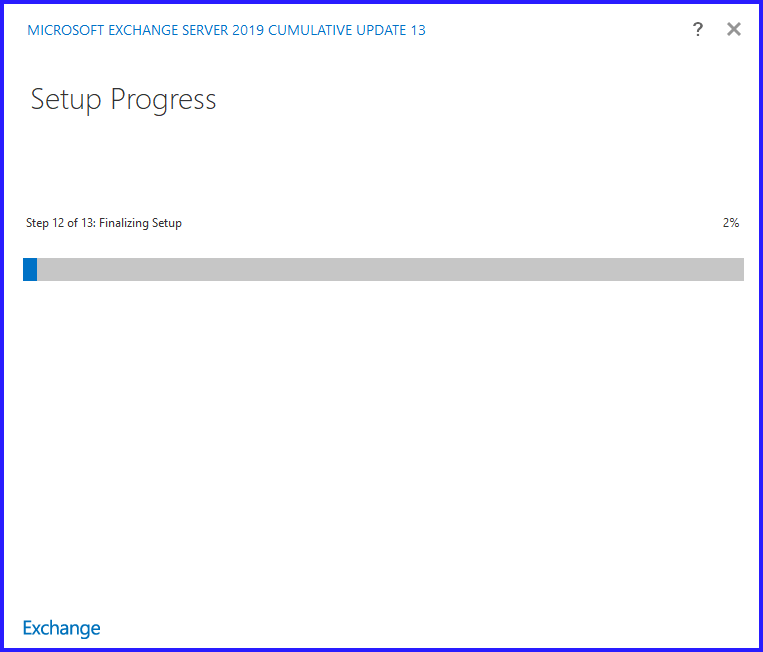
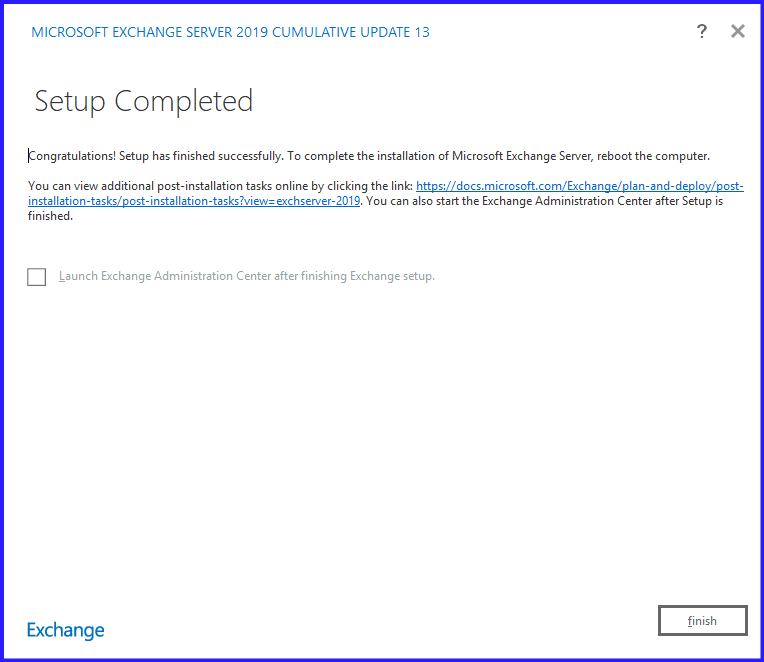
But in this blog, we will install in GUI Setup. After Setup file downloaded, mount the ISO and click run the setup.exe file.
2. Post-Installation Validation
Once the “Installation Completed” message appears, your job isn’t done. Use these steps to verify the health of your new server.
1. Verify Service Status
Ensure all mandatory Exchange services are running.
Get-Service MSExchange* | Where-Object {$_.StartType -eq "Automatic"} | FT Name, Status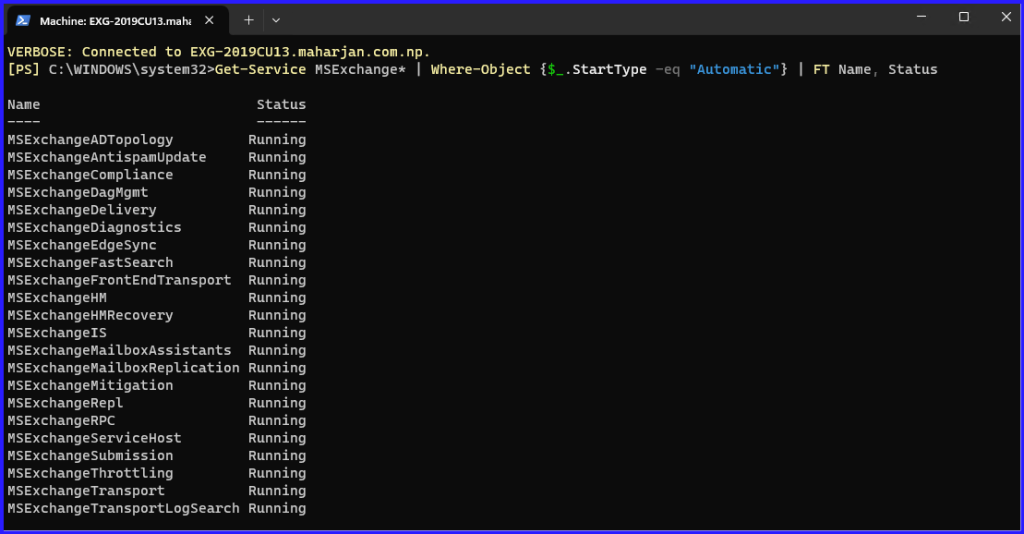
2. Check the Build Number
Confirm that the version is correct (CU13 build is 15.2.1258.12 or higher).
Get-ExchangeServer | Format-List Name, AdminDisplayVersion
3. Run the Health Checker Script
Microsoft provides a vital script called the Exchange Health Checker. Download it from GitHub and run it to find configuration issues, missing security updates, or incorrect power settings.
Pro Tip: This script is the “gold standard” for validating a new Exchange installation.
4. Test Mail Flow
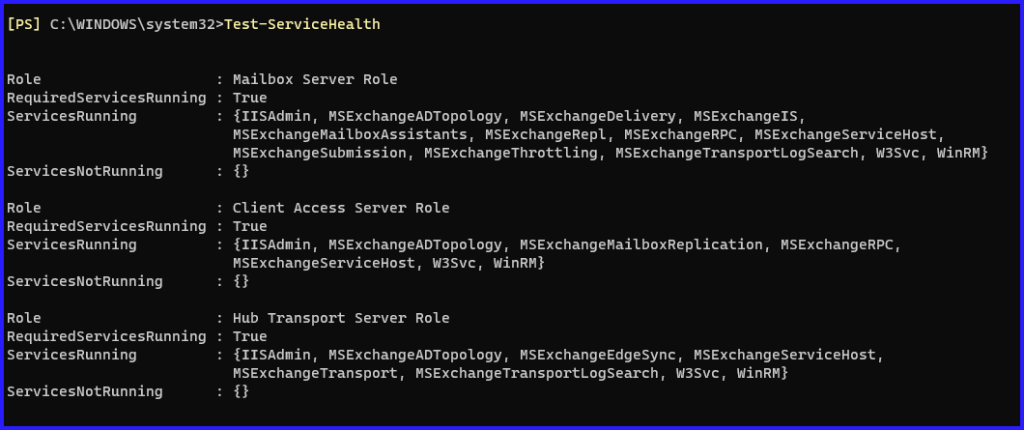
Send a test email internally and externally. Use the Test-ServiceHealth and Test-MailFlow cmdlets to automate this check.
4. Notable Features in CU13
- Modern Auth for On-Prem: CU13 allows you to use OAuth 2.0 for Outlook clients without needing a “Hybrid” setup, provided you have ADFS.
- Backup of Config Files: Setup now backups your
web.configfiles, so your custom OWA limits aren’t wiped out during the upgrade.
Conclusion: Reliability in the Modern Era
Deploying Exchange Server 2019 CU13 is more than just a routine update; it is a strategic move toward a more secure, modern infrastructure. By supporting Windows Server 2022 and introducing Modern Authentication for on-premises clients, Microsoft has bridged the gap between traditional mail hosting and the security standards of the cloud.