❌ Fixing “Refused to Connect” Error While Previewing Documents in OWA
🔍 Issue Overview
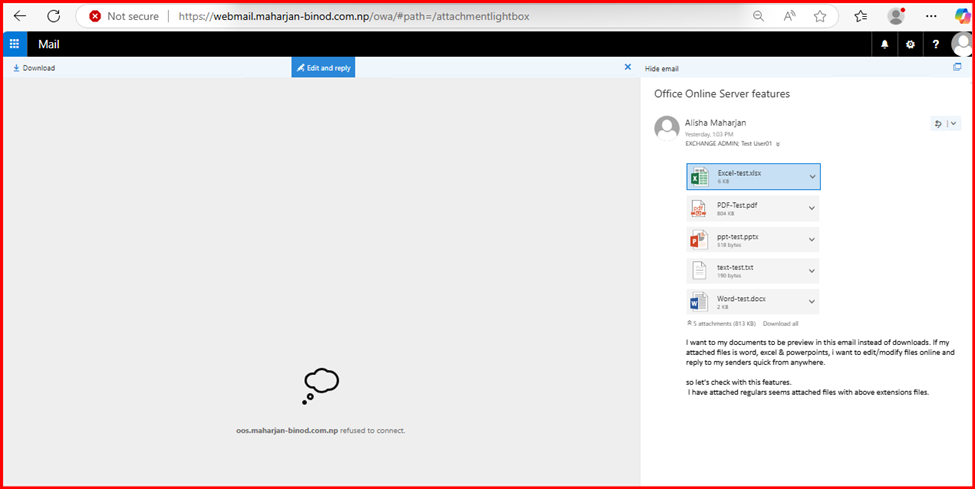
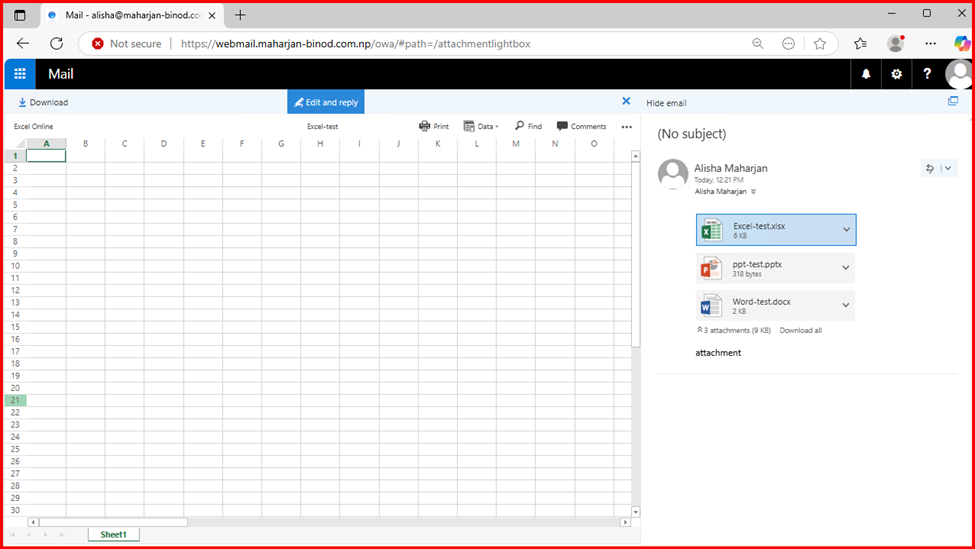
After successfully deploying Office Online Server (OOS) and integrating it with Exchange Server, you might encounter the following issue when trying to preview Word, Excel, or PowerPoint documents directly in the browser:
“Refused to connect” or A blank preview pane with a browser message: Refused to connect
This can be frustrating, especially after a successful OOS setup.
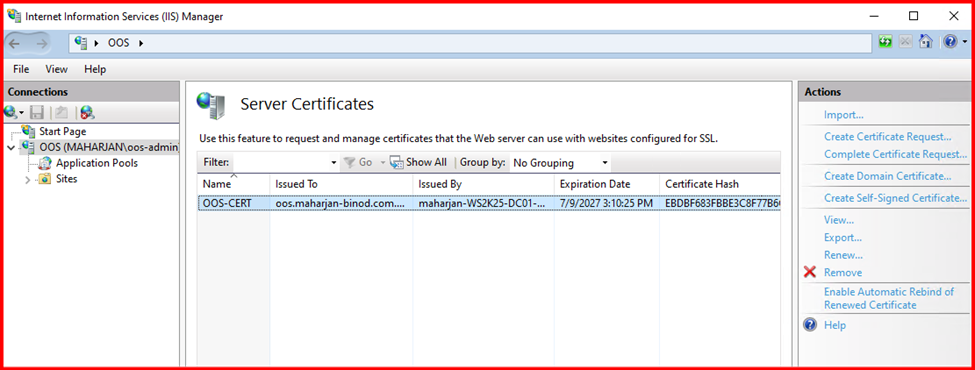
Verify the Configuration:
1. Certificate is essential for Office Online Server, hence present in IIS.
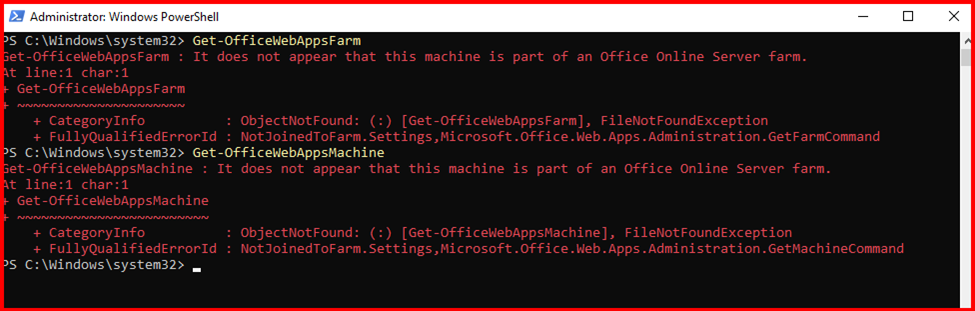
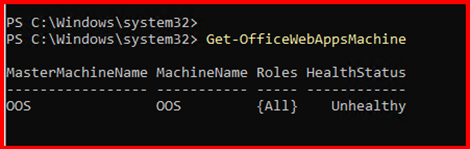
2. Check OfficeWebAppsFarm & Machine.
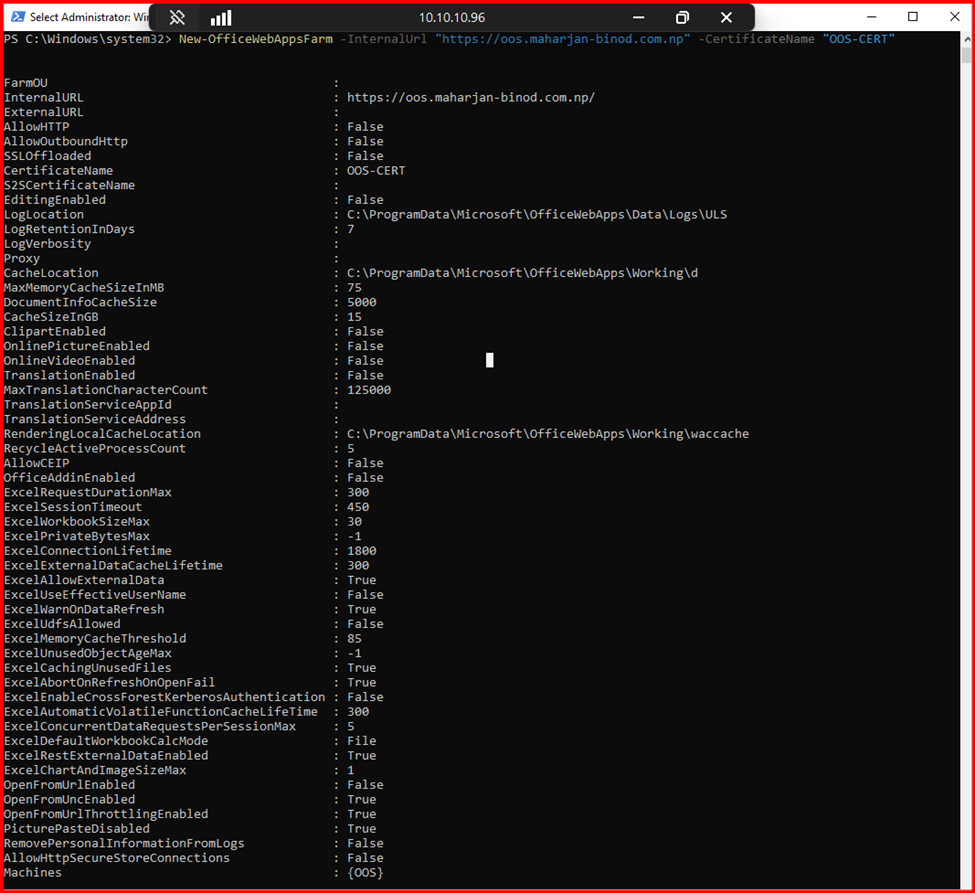
Resolve this step: Create a New OfficeWebapps farm.

Leave a Reply