-
Preventing Users from Sending Emails to Too Many Recipients in Exchange Server
🔹 Introduction As an Exchange Server administrator, one of the key ways to protect your environment from misuse or accidental spam is to limit how many recipients a user can send an email to at once. This helps avoid internal spam, reduces the risk of phishing, and improves server performance. In this post, I’ll walk…
-
🚫 How I Fixed the “Your Admin Has Turned Off Office Installs” Error in Microsoft 365
While trying to install Microsoft Office for one of the users in my organization, I was greeted with this message on the Office Portal: “Your admin has turned off Office installs. Contact your admin for more information about how to get Office in your organization.” This blog walks through the exact steps I performed as…
-
📁 Why I Use Public Folders in Exchange – And How to Set Them Up
While working on an Exchange Server deployment recently, I needed a way for users to share emails, calendar items, and documents across departments—without setting up shared mailboxes for everything. That’s when I turned to an old but still valuable feature: Public Folders. In this blog, I’ll walk you through what public folders are, why they’re…
-
🔐 How I Enabled the Password Reset Option in Exchange ECP?
While working with Exchange Server in my environment, I noticed that the “Reset Password” option was missing from the Exchange Control Panel (ECP). This feature can be incredibly useful for administrators who want to quickly reset user passwords without switching to Active Directory Users and Computers (ADUC) or using PowerShell. In this post, I’ll walk…
-
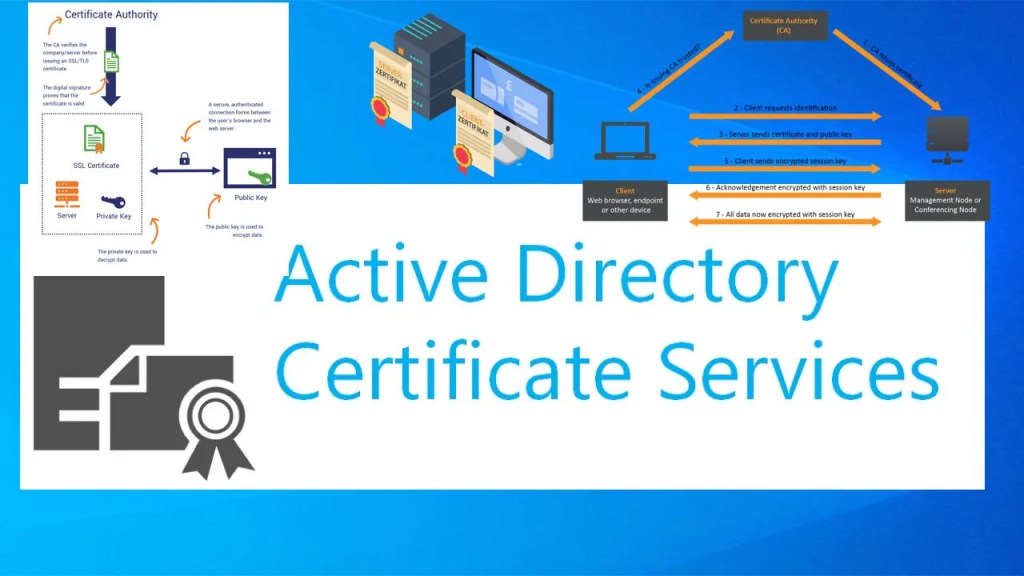
Securing Exchange OWA/ECP with a Self-Signed Certificate from Enterprise CA
🔧 Overview By default, Exchange Server uses a self-signed certificate for OWA (Outlook Web App) and ECP (Exchange Control Panel). However, this cert is not trusted by clients, leading to browser warnings like: “Your connection is not private” or “Not Secure” In a domain environment with a Windows Enterprise CA (Certification Authority), we can issue…
-
How to Bypass Network Connection Requirement During Windows 11 Setup in a Hyper-V VM?
If you’re setting up Windows 11 in a virtual machine (VM) — especially in Hyper-V — you might hit a roadblock: Windows 11 forces a network connection during Out-Of-Box Experience (OOBE) setup, making it difficult to create a local account. This guide shows how to bypass that using built-in methods. 🚫 The Problem When installing…
-
Why Windows 11 OS Does Not Run in Hyper-V VM?
Introduction As a system administrator and IT enthusiast, I often experiment with various operating systems in virtual environments like Hyper-V. When Windows 11 was released, I was eager to test it out in a Hyper-V virtual machine. However, I quickly ran into a roadblock—Windows 11 refused to install or run properly. In this post, I’ll…
-
🔐 Why Users Weren’t Prompted for MFA on the Web Portal (And How I Fixed It)
After I enabled and tested MFA for Windows logon, I noticed something odd — users who had already enrolled for MFA were not being prompted for MFA when logging into the ADSelfService Plus web portal (https://mfa-server:9251). Turns out, MFA for web portal login is not enforced by default — it needs to be configured separately….
-
🛡️ How I Secured ADSelfService Plus Web Server with an Internal CA Certificate
When deploying ADSelfService Plus in an enterprise environment, one of the first things I wanted to do was replace the default self-signed SSL certificate with a certificate issued by our internal Windows Certificate Authority. Here’s how I did it—step-by-step. 🎯 Why Replace the Default Certificate? The default self-signed certificate: Using our internal CA lets me:…