-
🌐 Networking in Azure: VNets, NSGs, and Peering
As I progressed in my Azure journey—from creating virtual machines to managing identities—I realized that networking is the glue that connects and secures all cloud resources. Without proper networking, even the best applications and services can fail to communicate or remain exposed to threats. In this blog, I’ll share how I’ve worked with core Azure…
-
🔐 Azure Identity Basics: Azure AD, RBAC & IAM
After setting up virtual machines and exploring core Azure services, I realized that managing identity and access is just as important as deploying resources. Without proper access controls, even the most secure infrastructure can become vulnerable. In this blog, I’ll break down the basics of Azure identity management, including Azure Active Directory (Azure AD), Role-Based…
-
🧱 Deploying Virtual Machines in Azure (Step-by-Step)
After exploring Azure subscriptions, resource groups, and regions, I was excited to deploy my first virtual machine (VM) in Azure. Virtual Machines are one of the most common and versatile services in Azure—perfect for hosting websites, running apps, setting up a lab, or testing scripts. In this blog, I’ll guide you through how I deployed…
-
🔹 Understanding Azure Resource Groups, Regions & Services
Once I set up my Azure subscription and started exploring the portal, I quickly realized that managing cloud resources efficiently requires a solid understanding of Resource Groups, Regions, and Services. These are foundational concepts in Azure that define how, where, and how well your applications will run. In this blog, I’ll break down what these…
-
🔹 Setting Up Your First Azure Subscription
After understanding what Microsoft Azure is and why it’s such a powerful platform, I wanted to dive deeper and actually get hands-on. The first step in using Azure effectively is setting up your Azure subscription—this is the gateway to accessing and managing all Azure services. In this blog, I’ll walk you through what an Azure…
-
🔹 What is Microsoft Azure? Cloud Concepts Explained
As a system engineer exploring the evolving world of cloud computing, I’ve come to appreciate the power and flexibility that Microsoft Azure brings to the table. Whether you’re an IT professional, a developer, or simply curious about the cloud, understanding Azure is a key step forward in your tech journey. In this blog, I’ll explain…
-

How I Upgrade to Exchange Server Subscription Edition (SE)?
🔄 Introduction As Microsoft moves toward a modern servicing model, Exchange Server Subscription Edition (SE) is the next evolution in on-premises email infrastructure. Built on the foundation of Exchange Server 2019, this edition introduces a subscription-based license and an evergreen model—ideal for organizations seeking long-term security, compliance, and hybrid-readiness without disruptive version jumps. If you’re…
-
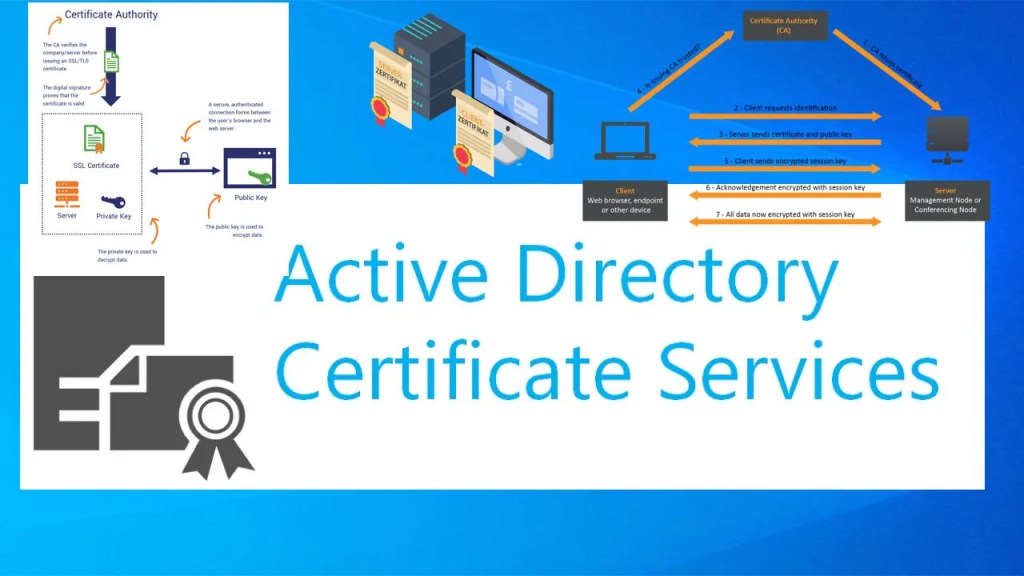
🔁 OCSP and Certificate Revocation in AD CS – Step by Step
Hi again! So far, I’ve configured AD CS to issue certificates and secure internal systems like IIS and Exchange. But what if a certificate gets compromised or needs to be revoked? That’s where certificate revocation comes in—and to make it efficient, we use the Online Certificate Status Protocol (OCSP) instead of relying solely on outdated…
-
🔐 Issuing SSL Certificates to Internal Web Servers (IIS/Exchange) Using AD CS
Hey there! So far, I’ve covered everything from installing AD CS to configuring auto-enrollment. Now it’s time to put those certificates to good use—let’s issue SSL certificates for internal web servers like IIS and Exchange Server. Whether I’m setting up HTTPS for an intranet site or securing OWA/ECP for Exchange, using internal certificates via AD…